

Interacting with your educators as a student
Connecting with Educators Begin by heading to the “My Educations” section under the “Application Center” in the left hand sidebar. […]

Connecting with Educators Begin by heading to the “My Educations” section under the “Application Center” in the left hand sidebar. […]

Adding and Editing Employees Start by navigating to the “employees” section of the left hand navigation bar. From here you
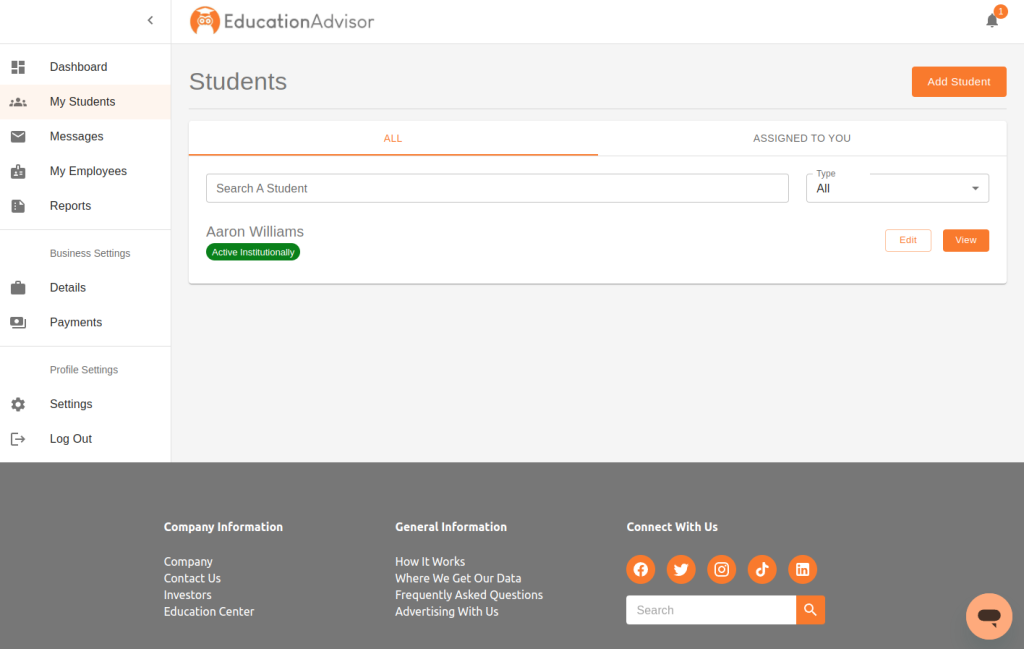
Getting Started Start by navigating to the “students” section of the left hand sidebar. When you first log in to
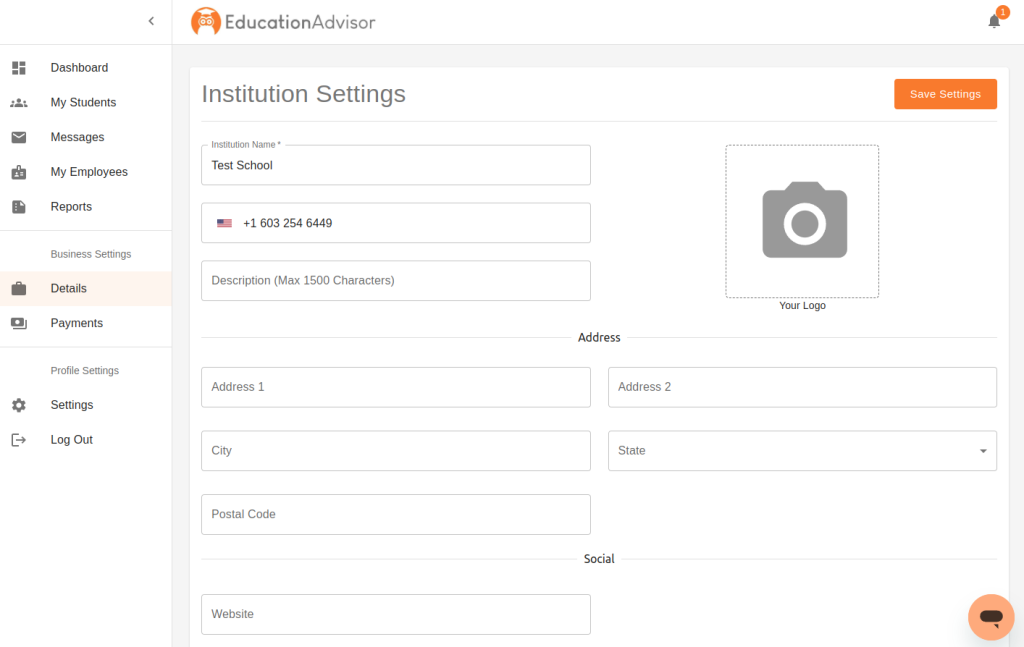
Interacting with your institution/business settings In the left hand side panel navigate to the “business settings” section and click “details”.
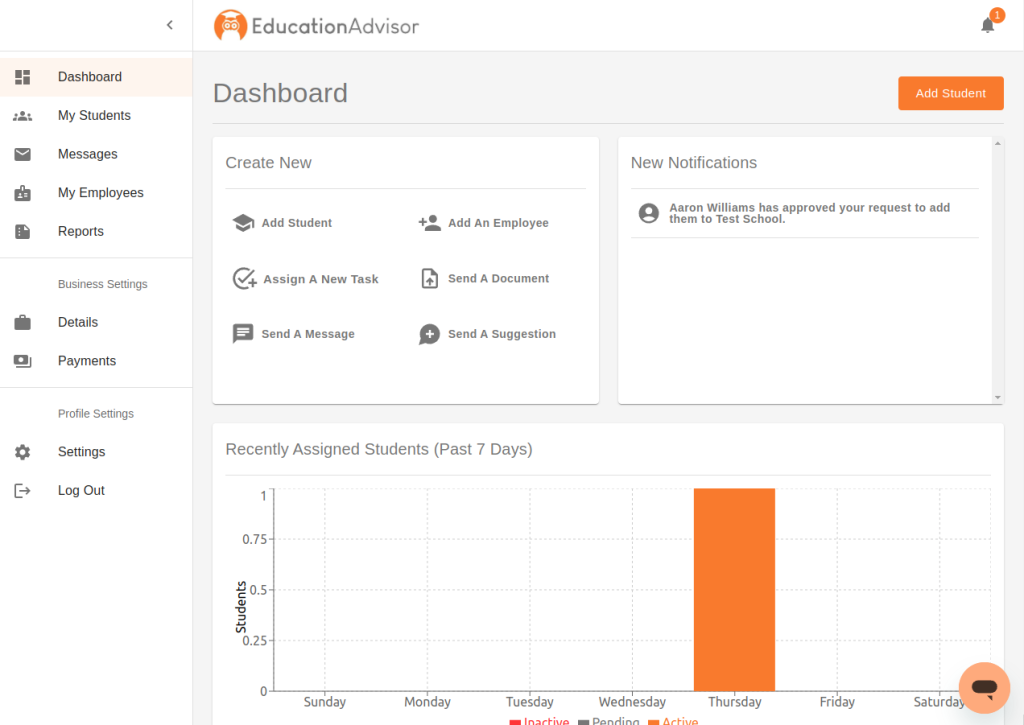
Dear friends, partners, and educators, I am thrilled to announce the launch of our groundbreaking education technology product designed to

We are excited to announce the launch of our new platform! Our platform has been in development for some time